
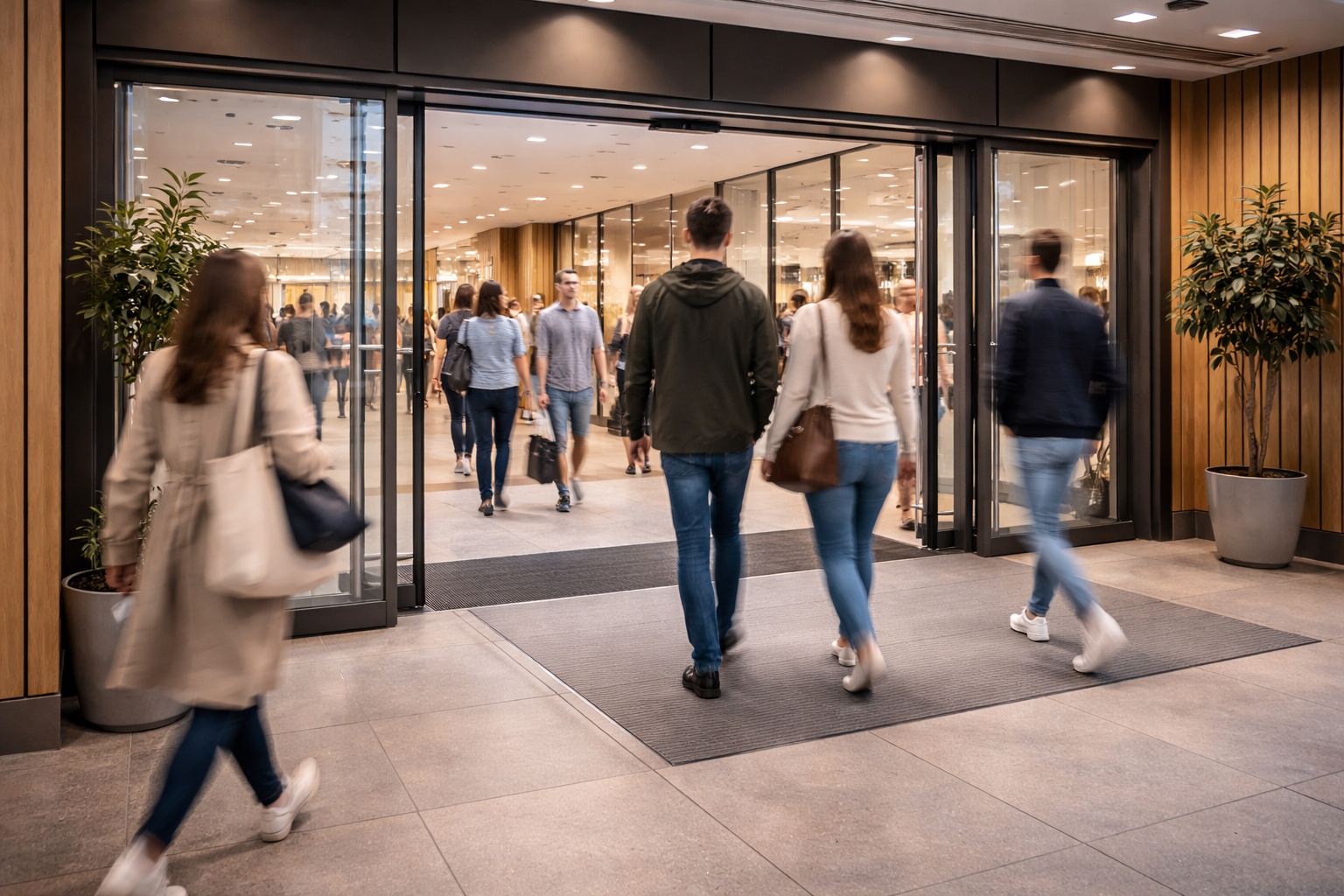
People counting for retail and shopping centres – measure traffic and conversion rate
How many customers walk into your store each day – and how many of them actually buy? With a people counter from Solid Sikring Insights, you get precise data on foot traffic, conversion rates and visitor trends. Anonymized, GDPR-compliant and ready to use from day one.
Running multiple stores? See how chain-wide people counting gives one portal for visitor counting across every location.
People counting for retail chainsWhat is people counting – and why do you need it?
People counting (also known as visitor counting or foot traffic analysis) measures how many people visit a location during a given period. A visitor counter mounted at the entrance registers everyone who enters and exits – anonymously and without storing images. The result is objective visitor data that gives you an entirely new basis for decisions about staffing, marketing, product range and store layout. For retail stores, people counting is the key to understanding foot traffic: when do customers arrive, which days are busiest, and what happens to visitor numbers when you run campaigns? Combined with POS data, you can calculate conversion rate (the percentage of visitors who actually make a purchase) and average transaction value – two of the most important KPIs in retail. Conversion rate analysis tells you whether you're making the most of the traffic you already have, or whether simple adjustments could increase revenue without increasing your marketing budget.
Anonymized counting – fully GDPR-compliant
Our technology counts people without collecting personal data. No images stored, no facial recognition, no traceable data. Fully GDPR-compliant and privacy-friendly – you only get aggregated numbers.
High accuracy – over 95% precision
Advanced 3D algorithms ensure precise counting, even in high traffic, groups walking closely together and challenging lighting conditions. The system distinguishes between incoming and outgoing traffic and can filter out staff and children as needed.
Real-time data in Insight Portal
See visitor numbers in real-time through our Insight Portal – on PC, tablet or mobile. React quickly to changes in customer flow and make decisions based on what's happening right now.
Heat maps – see where customers spend time
Visualize where customers move and spend the most time inside the store. Use the insights to optimize store layout, product placement and signage. Especially useful for identifying "dead zones" that nobody visits.
Compare periods and locations
Analyze visitor trends over time: day vs day, week vs week, month vs month, year vs year. Have multiple stores? Compare performance across locations and identify what the best performers do differently.
POS system integration
Connect visitor data with sales data from your POS system to calculate conversion rate automatically. See the impact of campaigns, weather, opening hours and staffing – all in one view. Supports API and FTP integration with most POS systems.
Why is measuring foot traffic so important?
Most store owners know roughly how much they sell. But very few know exactly how many customers actually visit the store. Without this information, it's impossible to tell whether a poor sales day was caused by low traffic – or low conversion. Consider two scenarios: On Monday you had 200 visitors and 40 sales (20% conversion). On Tuesday you had 100 visitors and 30 sales (30% conversion). Without a visitor counter, both days look like "bad days" because revenue was lower than normal. But in reality, Tuesday was a fantastic day – you converted nearly one in three visitors. Monday, on the other hand, had plenty of traffic but low conversion. Perhaps staffing was wrong, or maybe the product placement didn't resonate. This kind of insight is impossible without people counting.
What KPIs do you get with people counting?
A visitor counter gives you access to several valuable KPIs that together paint a complete picture of your store's performance.
| KPI | Description |
|---|---|
| Visitor count | Number of unique visitors per hour, day, week and month. The foundation for all other calculations. |
| Conversion rate | The percentage of visitors who complete a purchase. Calculated by dividing number of transactions by number of visitors. |
| Average transaction value | Total revenue divided by number of transactions. Shows how much each paying customer spends. |
| Revenue per visitor | Total revenue divided by total visitors. Combines conversion and transaction value into a single metric. |
| Traffic trend | Comparison of visitor numbers over time – week over week, month over month, year over year. Reveals seasonal patterns and long-term trends. |
| Peak hours | Which hours of the day have the most visitors. Critical for proper staffing and campaign timing. |
5 tips to increase your store conversion rate
Staff scheduling based on traffic
Use visitor data to align staffing with traffic. If most customers arrive between 11:00 and 14:00, make sure your best salespeople are on the floor – not in the stockroom or on lunch break.
Product placement based on movement patterns
Combine people counting with heat maps to see where customers move. Place high-margin products and impulse items in the highest-traffic zones.
Measure campaign impact with real numbers
Running a social media campaign? Compare visitor numbers before, during and after. Did traffic increase? Did conversion improve? Now you have the answer.
Set realistic goals for your team
Instead of saying "sell more", try "we had 150 visitors today and converted 18%. Our goal this week is 20%." Concrete, data-driven targets motivate.
Analyze "lost customers"
If 100 customers walk in and only 15 buy, 85 left without purchasing. What can you do to capture just 5 more? That's a 33% increase in sales – without a single extra visitor.
How people counting works in practice
From first conversation to valuable insights – the process is simpler than you think.
Assessment and site visit
We visit your premises, assess entrances, ceiling height and lighting conditions, and recommend the right sensor type and placement for your needs.
Installation in under an hour
The sensor is discreetly mounted in the ceiling above the entrance. No visible cables, no renovation. Most installations take less than one hour.
Configuration and POS connection
We set up counting rules, zones and any integration with your POS system – via API or FTP. You choose which reports you want.
Analysis and follow-up
You get access to the Insight Portal with real-time data, history and reports. We help you interpret the numbers and set up goals during the first weeks.
What does a complete people counting solution cost?
Use this calculator to get a rough estimate based on your entrances, dimensions and preferred license model. You usually receive the estimate by email within 2-3 minutes.
Who uses people counting and visitor analytics?
People counting provides value for anyone who wants to understand visitor patterns – from standalone stores to large shopping centers and public buildings.
Retail stores
Measure conversion rate, optimize staffing based on foot traffic and understand which campaigns actually drive people into the store.
Shopping centers and retail parks
Monitor visitor flows per entrance and floor, compare tenants and document visitor numbers for lease negotiations.
Museums, galleries and cultural institutions
Count visitors for reporting to grant providers, measure exhibition popularity and plan capacity for events.
Public transport and hubs
Monitor passenger flows at stations, stops and terminals for better route planning and capacity management.
Events and festivals
Document attendance in real-time, monitor capacity limits and ensure safe execution of concerts, trade shows and festivals.
Libraries and public buildings
Measure facility usage, document visitor numbers for budget purposes and optimize opening hours based on actual demand.
Benefits of people counting – what do you gain?
Data-driven decisions give measurable results. Here are the key benefits of installing a visitor counter.
- Optimize staffing based on actual visitor numbers – the right number of staff at the right time
- Measure the real impact of marketing campaigns on store traffic
- Calculate conversion rate from visits to sales – and set concrete improvement targets
- Compare performance between locations, weekdays and seasons
- Monitor capacity utilization in real-time – important for fire safety and customer experience
- Identify long-term trends and seasonal variations for better planning
Integrated with Insight Portal
All our sensors and services connect to our in-house developed portal for easy access to data and analysis.
Which type of visitor counter is right for you?
There are several technologies for people counting, each with its own strengths. We help you choose the right solution based on the premises, traffic volume, budget and privacy requirements.
Camera-based (3D / stereo)
Mounted in the ceiling above entry and exit points, counting people from above using advanced image analysis. Delivers high accuracy even in heavy traffic and can distinguish between adults, children and groups. With 3D cameras you can also get a rough height estimate when properly calibrated – useful for separating staff from customers or adults from children.
Strengths
High accuracy, direction detection, height estimation, heat maps
Best for
Retail stores, shopping centers, museums and high-traffic locations
Infrared (thermal)
Mounted in the ceiling like camera-based counters, but uses heat signatures instead of images. The sensor detects body heat and tracks movement direction across defined counting lines. Since no camera is used, no images are stored – making this technology ideal for privacy-sensitive areas such as healthcare, changing rooms or schools.
Strengths
No images, privacy-friendly, works in darkness, direction detection
Best for
Healthcare, schools, public buildings and privacy-sensitive areas
Beam counter
Consists of a transmitter and receiver mounted on each side of an opening. An invisible beam is continuously sent between them, and the system registers when the beam is broken and the direction the person is walking. Easy to install and a good alternative for getting started with people counting without major investment.
Strengths
Simple installation, low cost, no camera, direction detection
Best for
Smaller stores, libraries and locations with moderate traffic
Radar
Ceiling-mounted and uses radar signals to detect human signatures passing calibrated counting lines. Works independently of lighting conditions and temperature, and is unaffected by shadows, reflections or environmental changes. Provides good accuracy without capturing images or personal information.
Strengths
Light-independent, no images, robust against environmental changes
Best for
Outdoor areas, entrances with varying lighting, industrial buildings
LiDAR (laser)
Uses laser beams to create a real-time 3D point cloud of the surroundings. Very high accuracy for counting, direction detection and movement analysis – even in demanding environments with many people simultaneously. No images are stored, only anonymous 3D points.
Strengths
Very high accuracy, 3D analysis, fully anonymous, works in all lighting
Best for
High-traffic areas, transport hubs, arenas and security-critical installations
Not sure which technology is right for you? We conduct an on-site assessment and recommend the solution that delivers the best results for your use case.
Integrations and data export
People counting data becomes truly valuable when connected to your existing systems. We support several integration methods that make it easy to extract data and use it where you need it.
REST API
Pull counting data directly into your own system via our REST API. Perfect for building custom dashboards, connecting to POS, ERP or CRM systems – or feeding data into Power BI, Tableau or other analytics tools. Full documentation and API keys included.
FTP / SFTP export
Automatic export of reports and raw data to your FTP or SFTP server. Ideal for businesses that want daily, weekly or monthly data files delivered straight into existing workflows – without manual handling.
MQTT / SQS message queue
For real-time integrations we support MQTT and Amazon SQS. Perfect for IoT platforms, building automation and systems that need immediate updates on events – such as capacity alerts, automatic lighting control based on occupancy, or real-time display of visitor numbers.
MCP (AI connection)
Connect your people counting data directly to AI models and language models via Model Context Protocol (MCP). Enables AI assistants to answer questions about visitor trends, automatically generate insight reports, and provide recommendations based on real-time data – without building custom analytics tools.
All integrations can be combined, and we tailor the setup to your technical infrastructure. Need an integration we haven't listed? Get in touch – we'll find a solution.
Case study: From gut feel to data-driven goals in an interior shop
Interior shop – Western Norway
Names and the store name are anonymised at the customer's request. The case is based on a real installation.
The store manager had run the interior shop for eight years. She knew her customers, suppliers and trends inside out. But one thing was missing: the numbers needed to set realistic goals for herself and her staff.
The challenge
Like many store owners, the manager had a good overview of revenue but not of how many customers actually visited the shop. Some days were better than others, without a clear way to tell whether a weak day was caused by low traffic or by customers leaving without buying. Without visitor numbers, it was hard to set concrete, realistic goals – both short-term and long-term.
The solution
After discussions with Solid Sikring Insights, the team decided to mount a 3D ceiling sensor above the entrance – a visitor counter that registers everyone who enters and exits, completely anonymously. Installation took less than an hour, and data started flowing into the Insight Portal the same day.
The insight
By combining visitor numbers from the counter with sales data from the POS system, the shop suddenly had KPIs it had never had before: conversion rate, average revenue per visitor, peak hours and traffic trends week by week. Conversion was 16% – only 16 out of 100 visitors made a purchase. Saturdays had the highest traffic but the lowest conversion.
The actions taken
With the numbers on the table, three concrete goals were set: (1) Increase average transaction value by 12% within six months through strategic product placement and upselling. (2) Increase conversion from 16% to 20% by adjusting product placement, expanding the range in the busiest zones, and paying more attention to male visitors, who made up nearly 30% of traffic but rarely purchased. (3) Use traffic trends to plan staffing and campaigns at the right times.
The result
The visitor counter itself did not increase sales. But it provided the final, crucial number in the equation – and made it easier to set goals, track progress and adjust course. After three months, conversion had increased to 19%, and average transaction value was up 8%. Management describes the solution as "the cheapest and most valuable tool we have invested in."
"We always had a rough idea of how things were going. With the visitor counter, we know exactly – and that makes all the difference when we set goals and motivate the team."
People counting tailored to your industry
Different industries have different needs. Here's how people counting and visitor analytics create value in the most common use cases.
People counting for retail stores
For retail stores, people counting is the most important tool for understanding the relationship between traffic and sales. A visitor counter at the entrance gives you precise numbers on how many customers visit the store – hour by hour, day by day. Connected to your POS system, you automatically get conversion rate and average revenue per visitor.
- See which days and hours have the most traffic – and plan staffing accordingly
- Measure the impact of window displays, campaigns and social media on store traffic
- Set concrete sales targets based on actual visitor numbers, not gut feeling
- Identify whether low revenue is caused by low traffic or low conversion
- Compare performance between branches and learn from the best
💡 Tip: Start with one sensor above the main entrance. That gives you 80% of the insight at a fraction of the cost. Expand with heat maps and additional zones when you're ready.
People counting for shopping centers
For shopping centers, visitor counting is the foundation for everything from lease negotiations to marketing budgeting. The center needs documented visitor numbers per entrance, floor and zone – and tenants need to know how much traffic passes their store.
- Document total visitor numbers for tenants, investors and marketing department
- Compare traffic between floors, wings and entrances
- Measure the impact of events, campaigns and seasonal variations
- Give tenants access to traffic data for their zone via portal
- Optimize opening hours and security based on actual visitor patterns
💡 Tip: Combine visitor counting with parking data to see the connection between car traffic and foot traffic – and identify whether the center is losing visitors to e-commerce.
Visitor counting for commercial buildings
For office buildings, coworking spaces and multi-tenant commercial buildings, visitor counting provides valuable insight into actual use of common areas, meeting rooms and facilities. The data is used to optimize operations, cleaning and energy consumption.
- Measure actual use of common areas, canteen and meeting rooms
- Optimize cleaning and maintenance based on traffic patterns
- Document building utilization for property management
- Adjust ventilation and lighting based on actual occupancy
- Plan renovations based on data about how spaces are actually used
💡 Tip: Combine visitor counting with IoT sensors for air quality and temperature to get a complete picture of building usage patterns and indoor climate.
Visitor counting for events
For festivals, trade shows, conferences and sports events, accurate visitor counting is critical – for safety, reporting and future planning. Real-time data makes it possible to monitor capacity limits and react quickly.
- Monitor capacity in real-time and avoid overcrowded areas
- Document attendance for sponsors, authorities and insurance
- Analyze visitor patterns to optimize programming and logistics
- Measure the impact of marketing on attendance day by day
- Use historical data to plan the next event better
💡 Tip: For temporary events, we offer mobile counting solutions that can be set up and taken down quickly – without permanent installation.
Frequently asked questions
Find answers to the most common questions about this service.
People counting (also known as visitor counting or foot traffic analysis) is a technology that registers how many people enter and exit a premises. A sensor mounted in the ceiling at the entrance counts everyone who passes – completely anonymously and without storing images. The data gives you precise visitor numbers that can be used to calculate conversion rate, plan staffing, measure campaign effectiveness and set realistic sales targets.
Accuracy depends on the sensor type and installation. 3D camera-based sensors (the most common type for retail) typically have an accuracy of 95–98%. They distinguish between incoming and outgoing traffic, filter out children and can handle groups walking closely together. We always calibrate the system after installation and verify accuracy with manual counting during a test period.
Conversion rate is calculated by dividing the number of transactions (from the POS system) by the number of visitors (from the people counter). Example: 150 visitors and 30 sales gives a conversion rate of 20%. Average revenue per visitor is calculated by dividing total revenue by total visitors. Both metrics are updated automatically in the Insight Portal when your POS system is connected via API or FTP.
We support two main methods: API integration and file/FTP integration. With API integration, we pull sales data directly from your POS system in real-time – giving you immediate updates on conversion rate and KPIs. With FTP integration, your POS system exports daily or hourly sales files to an SFTP server, which we read automatically. Both methods are secure and require minimal effort on your part. We have experience with most POS systems on the Norwegian market.
The price depends on the number of entrances, desired sensor type and any integrations. A simple installation with one 3D sensor and access to the Insight Portal starts from a few thousand NOK per month. Contact us for a non-binding quote tailored to your needs.
Yes. Our sensors count people without collecting personal data. No images, no video and no data that can be linked to individuals are stored. The system only registers anonymous counting events (in/out). This is fully compliant with GDPR and Norwegian privacy legislation.
Ready to measure the foot traffic in your store?
Contact us for a non-binding conversation about people counting, visitor analytics and conversion rate analysis. We'll help you find the right solution – regardless of store size or budget.